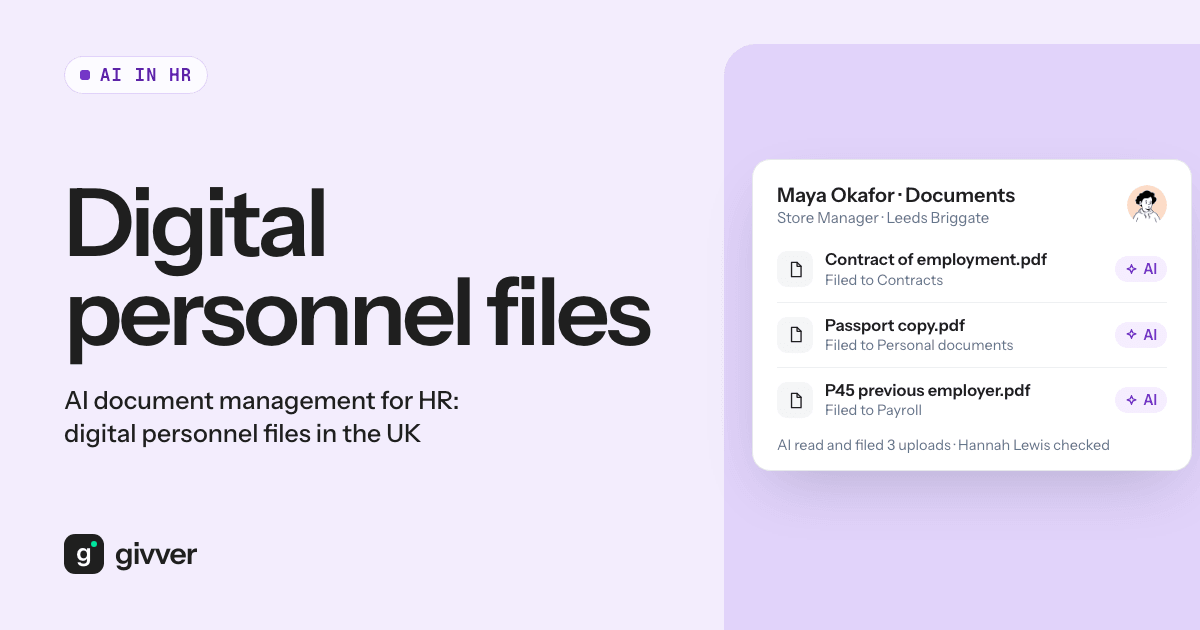
AI document management for HR means using AI to read each document you upload, work out what it is and whose it is, and file it to the right employee record. Done well, it turns a folder of hundreds of scans into organised digital personnel files in a fraction of the time. Done carelessly, it files a passport copy to the wrong person. The difference is a clear rule: AI files what it is sure about, and a person reviews the rest.
This guide covers the HR filing problem, the UK retention rules to plan around, what AI sorting does well, and a checklist for moving to digital personnel files.
The HR document management problem
Most HR teams inherit documents from everywhere:
- Signed contracts and contract variations
- Offer letters, pay rise letters and promotion letters
- Copies of ID and the right-to-work evidence the employer must keep
- Training and qualification certificates
- Fit notes, leave evidence and occupational health letters
- Disciplinary and grievance records
They arrive as PDFs, phone photos, Word files and email attachments. They end up in shared drives, managers’ inboxes and filing cabinets at each site. File names like scan_0188.pdf or IMG_4471.HEIC tell you nothing.
The result is predictable. Nobody can say with confidence whether every employee has a signed contract on file. Finding one document for a tribunal claim or a subject access request takes hours. Old documents stay forever because nobody knows what can be deleted.
UK retention rules to plan around
Before you move anything, know how long each type of record must or should be kept. A few periods are set by law or official guidance:
| Record | How long | Source |
|---|---|---|
| Payroll records (pay, deductions, statutory payments) | 3 years from the end of the tax year they relate to | GOV.UK: PAYE records |
| Copies of right-to-work documents | During employment and for 2 years after the person stops working for you | GOV.UK: check a job applicant’s right to work |
| Working time records | 2 years from the date they were made | Working Time Regulations 1998, reg. 9 |
For most other HR records, data protection law sets no fixed period. The ICO says employers decide based on their purposes, should set a retention policy or schedule, and should erase or anonymise data once it is no longer needed (ICO: keeping employment records). Some records, such as health and safety records or documents relevant to potential legal claims, may have reasons to be kept longer. Take advice where you are unsure.
Worked example: an employee leaves on 31 March 2026. Copies of their right-to-work documents should be kept until at least 31 March 2028. Their payroll records for tax year 2025/26 (which ended on 5 April 2026) must be kept until at least 5 April 2029.
What an AI document management system does well
AI is good at the slow, repetitive part of filing.
Reading any type of document
A good AI document management system reads the content of a file, not just its name. It can tell a contract from a training certificate, and pick out the employee’s name, even from a photo of a paper letter.
Matching to the right employee
The AI compares what it reads with your employee records and suggests the match. For a bulk upload of a few hundred documents, this replaces hours of opening, reading, renaming and dragging.
Sorting into a consistent structure
Once a document is classified, it can go into the right folder with the right tags every time. Consistent structure is what makes later searches, audits and deletions possible.
Where a person must review
AI can be wrong, and a wrong match in HR is a data breach: one person’s documents visible on another person’s record. A safe system needs a person in the loop when:
- The AI is not confident. Two employees with the same name, a blurry scan, or a document that mentions several people should go to a review queue, not be filed.
- The document is sensitive. Health information, disciplinary records and ID documents deserve a second look before they are filed.
- The document type matters legally. Whether a right-to-work check was done correctly is a judgement for a trained person, not something to infer from a file.
The rule to look for in any tool: confident matches are filed, everything else waits for a person.
Data protection for HR document management
Personnel files are among the most sensitive data an employer holds.
- Access control. The ICO says records should only be accessed, altered or deleted by authorised people. HR may need full access; managers should see only what they need. Employees can see their own files.
- Special category data. Health, ethnicity, religion and trade union information need both a lawful basis and an Article 9 condition, and stronger security such as restricted access (ICO).
- Retention. Tag each document type with its retention period so deletion becomes a routine task, not a project.
- Subject access requests. Employees can ask for their records, and you must normally respond within one month. Well-organised digital files make this much easier.
- DPIA. The ICO lists AI as an example of innovative technology in its guidance on when a DPIA is needed. Do one before putting personnel files through an AI tool, and ask the provider whether your data is used to train models.
Checklist: moving to digital personnel files in the UK
- List your document types and decide a folder and tag for each.
- Write a retention schedule using the periods above and your own purposes.
- Set access rules for HR, managers and employees before uploading anything.
- Do a DPIA for the new system and the AI processing.
- Gather documents from shared drives, inboxes and each site’s cabinets.
- Bulk upload in batches, for example one site or one document type at a time.
- Clear the review queue for anything the AI was not sure about.
- Check for gaps, such as employees without a signed contract on file.
- Securely destroy paper copies you no longer need, in line with your schedule.
- Tell employees where their documents now live and who can see them.
AI document management in Givver
Givver’s HR document management includes AI bulk document upload (People Pro). It reads any type of document and allocates it to an employee when it is confident, and sends it to a person to review when it is not. Customer data is not used to train AI models. Read more about AI in Givver and employee records, or see how an AI payslip assistant answers employee pay questions.
FAQs
What is AI document management?
Software that uses AI to read documents, identify what they are and who they belong to, and file them. In HR, it is used to build and maintain digital personnel files.
Can AI file HR documents without anyone checking?
Only when it is confident of the match. Uncertain or sensitive documents should go to a person to review.
How long should HR keep employee documents in the UK?
Some periods are set: payroll records for 3 years after the tax year, right-to-work copies for 2 years after employment ends, and working time records for 2 years. For most other records you set a period in a retention schedule.
Is it legal to keep personnel files digitally?
Data protection law does not require paper; it requires records to be kept secure and accurate. For right-to-work evidence, GOV.UK asks for a copy that cannot be changed, so store scans where they cannot be edited, and record the date the check was made.
Moving to digital personnel files is easier when most documents are sorted for you and a person reviews the rest. See how Givver handles this.