The safest way to use AI in HR is for drafting, summarising, sorting and answering routine questions, with a person checking the result and making every decision about people. Start with low-risk tasks, keep personal data out of public tools, and write down the rules in an AI policy.
Below are 10 examples of how to use AI in HR in a UK business today, what good looks like for each, and the risk to manage.
AI in HR examples: 10 places it helps today
1. Drafting policies and letters
AI is good at a first draft of a policy, a letter or an announcement.
- What good looks like: you give it your facts and UK context, it gives you a structured draft, and you edit it.
- Risk to manage: out-of-date or US law. Check every rule against GOV.UK or Acas.
Our AI prompts for HR professionals has 30 prompts you can copy.
2. Answering employee policy questions
Employees ask the same questions again and again: how much notice for holiday, who to tell when sick, what the dress code says.
- What good looks like: answers come only from your own policies, and say “ask HR” when the policy does not cover it.
- Risk to manage: a confident answer that is not in the policy. Test it with tricky questions before launch.
3. Sorting and filing documents
Signed contracts, certificates, training records and letters pile up.
- What good looks like: AI suggests where each document belongs, and sends anything it is unsure about to a person.
- Risk to manage: a document filed against the wrong employee is a data breach. Keep a person in the loop for uncertain matches.
4. Summarising long documents and legislation updates
A 40-page consultation or a new Acas code can be summarised into one page.
- What good looks like: a summary with section references, which you check against the original.
- Risk to manage: AI can drop exceptions and dates. Read the original for anything you will act on.
5. Employee FAQs about pay
“Why is my pay different this month?” is one of the most common questions HR and payroll get.
- What good looks like: an answer based on the employee’s own payslip, in plain words.
- Risk to manage: pay data is personal. A tool should only see the employee’s own data, never anyone else’s.
6. Onboarding content
Welcome emails, first-week plans and manager checklists.
- What good looks like: consistent, friendly content you reuse for every new starter.
- Risk to manage: generic content that does not match how your sites work. Ask a manager to review it.
7. Survey comment analysis on anonymised data
Hundreds of free-text comments can be grouped into themes in minutes.
- What good looks like: themes, counts and example quotes, from comments with identifying details removed.
- Risk to manage: small teams can be identified from comments. Remove or group them before analysis.
8. Training content
Course outlines, quizzes and scenarios for manager training.
- What good looks like: a first draft that a trainer adapts to your policies.
- Risk to manage: training that teaches the wrong process. Check it against your own policy.
9. Meeting notes
Summaries and action lists from team meetings.
- What good looks like: used for routine meetings, with everyone told the tool is in use.
- Risk to manage: do not record or transcribe disciplinary, grievance or sensitive meetings with AI tools unless your policy and legal advice say you can. These notes may later be evidence.
10. Translating comms
Announcements and policy summaries for staff whose first language is not English.
- What good looks like: a translation checked by a fluent speaker before it goes out.
- Risk to manage: a mistranslated rule. Keep the English version as the official one.
Benefits and disadvantages of AI in HR
| Benefits of AI in HR | Disadvantages of AI in HR |
|---|---|
| Faster first drafts of policies, letters and comms | Can state wrong or out-of-date law confidently |
| Quicker answers to routine employee questions | Risk of sharing personal data with a third party |
| Long documents summarised in minutes | Summaries can drop exceptions and deadlines |
| Consistent wording across sites and managers | Generic output that does not fit your business |
| More time for people work | Bias in outputs, especially about candidates and staff |
| Easier translation of comms | Over-reliance: staff stop checking the result |
The pros and cons of AI in HR balance out well for drafting and admin. They do not balance out for decisions about people.
Where AI should not make decisions
Keep AI away from deciding on hiring, discipline, dismissal and pay. There are two main legal reasons.
UK GDPR automated decisions. The Data (Use and Access) Act 2025 replaced the old Article 22 of UK GDPR with new Articles 22A to 22D, in force since 5 February 2026 (commencement regulations). Where a significant decision about someone is made with no meaningful human involvement, you must give them information about it and let them make representations, get human intervention and contest it. Stricter limits apply where special category data, such as health, is involved. The ICO consulted on draft guidance on automated decision-making from 31 March to 29 May 2026. At the time of writing that guidance is still a draft; check ico.org.uk for the final version.
The Equality Act 2010. You are responsible for discrimination at work, including when it comes from a tool you use. A model trained on past decisions can repeat past bias against people with protected characteristics such as age, sex, race or disability.
A person who rubber-stamps an AI recommendation is not meaningful human involvement. For more detail, read AI and employment law in the UK. This is not legal advice; for a specific case, talk to Acas or an employment lawyer.
How to start: five steps
- Write an AI policy. Say which tools are approved, what they can be used for, and what data must never go in. Our AI policy for employees template is a starting point.
- Pick low-risk tasks. Start with drafting, summarising and translation, where a mistake is caught before anyone is affected.
- Set data rules. No personal data in public tools. Use tools inside your own systems for anything involving employee records, and check where the data goes and whether it is used for training.
- Measure. Pick one or two simple measures, such as how long a policy draft takes or how many routine questions reach HR, and check them before and after.
- Review. Look again every few months. Check outputs, ask employees what they think, and update the policy as the law and guidance change.
If you want a wider view of where this is heading, see will AI replace HR?
Where Givver uses AI
Givver is HR and payroll software first. AI is built into a few features where it saves time:
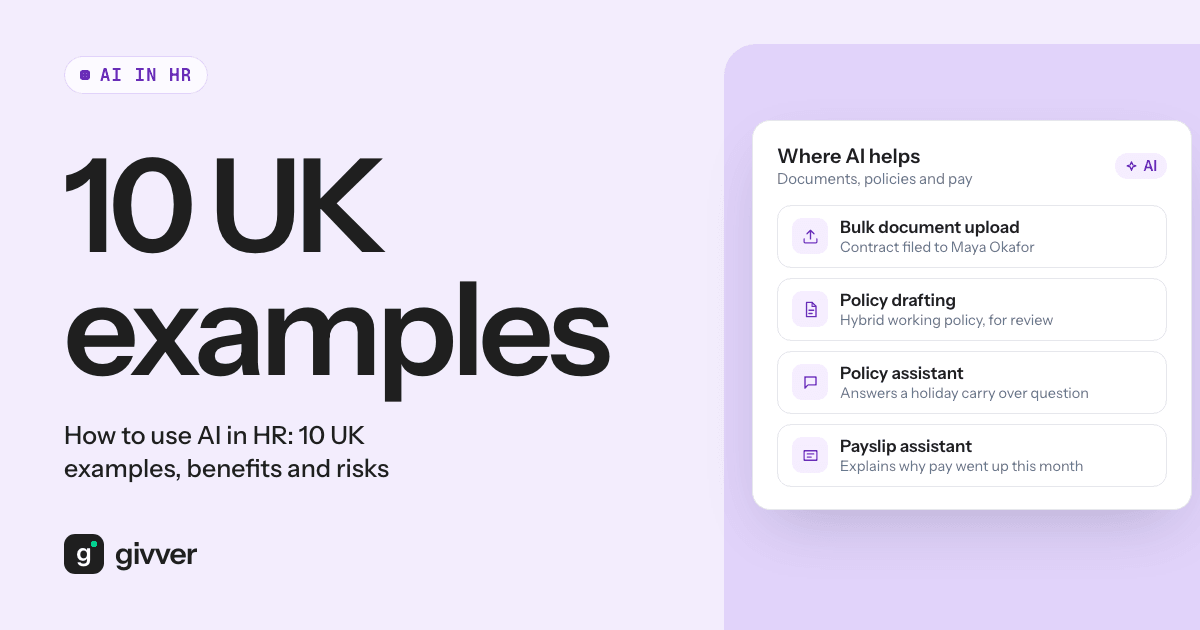
- AI bulk document upload (HR, People Pro) reads any type of document and allocates it to an employee when it is confident, and sends it to a person to review when it is not. See document management.
- AI policy creation (People Pro) lets admins draft policies to share with employees, and the AI policy assistant answers employees’ questions about the policies assigned to them. See policies.
- The AI payslip assistant (Payroll Pro) answers employees’ questions about their pay, and only sees the employee’s own data. See payslips.
The assistants work in the Givver app and on the web, and customer data is not used to train AI models. More on AI in Givver.
FAQs
What is the best way to use AI in HR?
For drafting, summarising, sorting and answering routine questions, with a person checking every output. Keep it out of decisions about people.
What are the disadvantages of AI in HR?
Wrong or out-of-date law stated confidently, risks to personal data, bias, and staff relying on outputs without checking them.
Can AI make hiring decisions in the UK?
It should not make them on its own. Solely automated significant decisions carry UK GDPR safeguards, and you remain liable under the Equality Act for discrimination. A person should make the decision.
Do we need an AI policy before using AI in HR?
Yes. Without one, staff will use whatever tools they like with whatever data they have.
Used for the right tasks, AI gives HR time back for the work only people can do. To see the features above in your own setting, talk to sales.