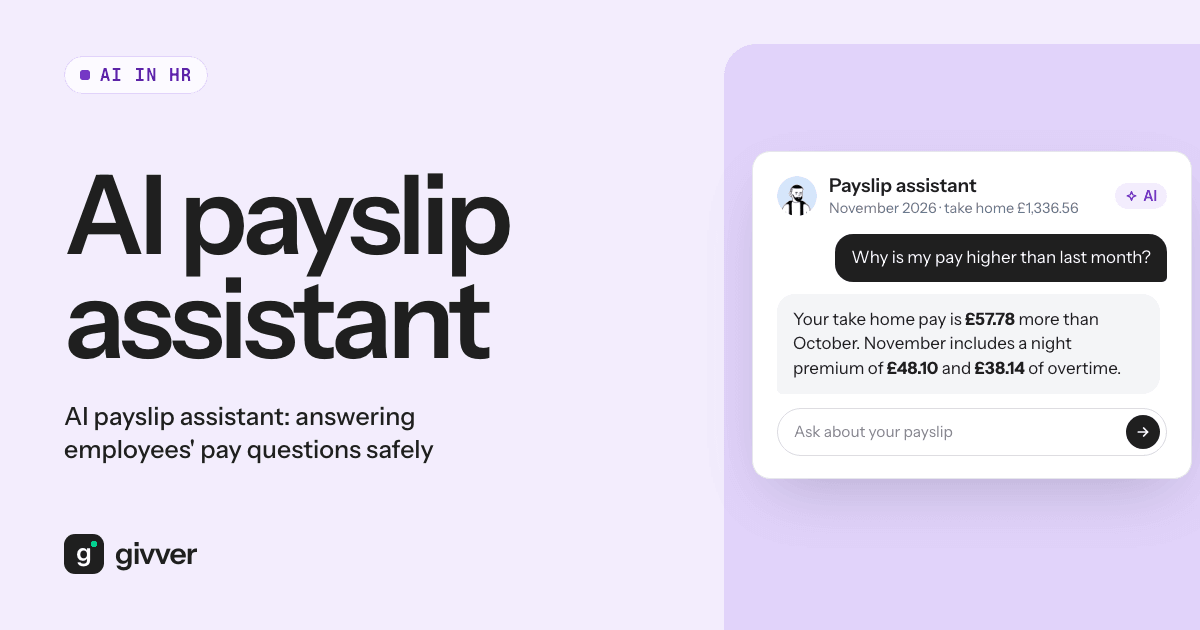
Search for “AI payslip” and many of the tools you find generate or edit payslips. That is a risk, not a feature: a made-up or altered payslip can be used for fraud, for example to support a loan or tenancy application. This post is about the opposite. An AI payslip assistant explains an employee’s real payslip, issued by their employer’s payroll, in plain words. It answers “why is my pay different this month?” without anyone changing a figure.
Below are the questions payroll and HR teams get every month, short answers to each, and what to check before you let an AI assistant answer them.
Employee payroll questions you get every month
Most questions come in waves: after a pay rise, at the start of the tax year, when someone starts or leaves, or when a statutory payment begins. Here are the common ones and what drives each answer.
“Why has my tax code changed?”
A tax code tells the employer how much tax-free pay someone gets. The most common code, 1257L, reflects the standard Personal Allowance of £12,570 (GOV.UK: what your tax code means). HMRC changes a code when it learns something new: a second job, a company benefit such as a car, a change in other income, or tax owed from an earlier year being collected. The employer applies the code HMRC sends; it cannot pick one. Employees can check their code on GOV.UK or in the HMRC app.
“Why am I on emergency tax?”
Emergency codes end in W1, M1 or X, for example 1257L M1. They are often used when someone starts a new job and the employer does not have their previous pay and tax details. On an emergency code, tax is worked out on that week’s or month’s pay only, so the employee can pay too much or too little. HMRC usually updates the code within 35 days of starting a new job (GOV.UK: emergency tax codes).
“How is my National Insurance worked out?”
For 2026/27, most employees pay 8% on earnings between £1,048 and £4,189 a month, and 2% above that (GOV.UK: rates and thresholds for employers 2026 to 2027).
Worked example: someone paid £2,500 in a month pays 8% on £1,452 (£2,500 minus £1,048), which is £116.16.
NI is worked out on each pay period separately, so a month with overtime can mean more NI that month.
“What is this pension deduction?”
Under auto-enrolment, the legal minimum is 5% from the employee and 3% from the employer, usually on earnings between £6,240 and £50,270 a year (GOV.UK: workplace pensions). Schemes can use a different basis or higher rates.
Worked example: on £2,500 a month with a scheme using that band, monthly qualifying earnings are £1,980 (£2,500 minus £520), and 5% of that is £99.
“Why is there a student loan deduction?”
Deductions start when pay goes over the threshold for the employee’s plan. For 2026/27, Plan 2 is £2,448.75 a month, and the deduction is 9% of pay above it. Postgraduate loans are 6% above £1,750 a month (GOV.UK: rates and thresholds). The employer deducts because HMRC or the employee has told it which plan applies; questions about the balance go to the Student Loans Company.
“Why is my sick pay or maternity pay lower?”
Statutory pay has its own rates. From April 2026, Statutory Sick Pay is £123.25 a week or 80% of average weekly earnings, whichever is lower, paid from the first day of sickness (GOV.UK: Statutory Sick Pay). Maternity and other family pay have their own rules (GOV.UK: maternity pay and leave). Company sick pay or enhanced maternity pay can sit on top, depending on the contract.
“How was my holiday pay worked out?”
It depends on the working pattern. For people with fixed regular pay, it is usually a normal week’s pay. For irregular-hours workers, it is based on average pay over the previous 52 weeks, counting only weeks in which they were paid. For at least four weeks of leave, the “normal” rate includes regular overtime and commission (GOV.UK: holiday pay).
“Why has my net pay changed?”
This is the most common question, and it usually has one of a few causes:
| What changed | Typical cause |
|---|---|
| Gross pay | Different hours, overtime, a premium, unpaid leave, a pay rise or a back payment |
| Tax | New tax code, emergency code, or higher gross pay this month |
| National Insurance | Higher or lower pay in this period |
| Pension | Pay above or below the band, or a change in contribution rate |
| Student loan | Pay crossed the plan threshold this month |
| Statutory pay | Sick, maternity or other family pay started or ended |
Our guides on how to read a UK payslip and the payslip glossary go through every line.
Why answering them costs payroll time
Each question is small. The cost is in the pattern. A payroll specialist stops mid-task, finds the employee, opens the payslip and the previous one, compares them, and writes an explanation. The same five questions come back every month, often just after payday, which is when payroll is closing the period and reconciling.
Employees need these answers. Pay is personal, and a confusing payslip erodes trust. The aim is not to stop questions; it is to answer the routine ones quickly so specialists can spend time on the ones that need a person.
What a safe AI HR assistant for payslips needs
An AI payslip checker that an employee can talk to must meet a higher bar than a general chatbot, because it handles personal financial data.
- It only sees that employee’s data. The assistant should answer from the employee’s own payslips and nothing else. It must never be able to show one person’s pay to another.
- It does not train on that data. Ask the provider in writing whether customer data is used to train AI models.
- It explains, it never changes pay. The payslip comes from payroll software. The assistant reads it; it cannot edit it, recalculate it or promise a correction.
- It knows when to hand over to a person. “I think my pay is wrong”, “I am going through a divorce” or anything about health or a grievance needs a human. A good assistant says so and points to the right route.
- It answers from the real payslip. Generic answers are fine for “what is NI?”. “Why did my tax go up?” needs the actual figures.
What employers should check before turning one on
- Do a DPIA. The ICO lists AI among the innovative technologies that can point to high risk in its guidance on when a DPIA is needed.
- Tell employees. Update your privacy notice and explain what the assistant can see, what it does with questions, and that a person is available.
- Set the escalation route. Decide who gets questions the assistant cannot answer, and how quickly they reply.
- Keep decisions with people. The assistant should not decide anything about an employee. If it ever did, UK rules on automated decisions apply (see our guide to AI in payroll).
- Test it with real questions from your inbox (anonymised) before launch, and check the answers against GOV.UK.
The AI payslip assistant in Givver
On Payroll Pro, Givver’s AI payslip assistant answers employees’ questions about their pay in the Givver app and on the web. It only sees the employee’s own data, and customer data is not used to train AI models. The payslips themselves come from Givver’s HMRC-recognised payroll. Read more about AI in Givver.
FAQs
What is an AI payslip checker?
A tool that explains an employee’s real payslip in plain words. It is different from tools that generate or edit payslips, which can be misused for fraud.
Can an AI payslip assistant change my pay?
It should not. Pay is calculated by payroll software and approved by people. A safe assistant only explains it and directs real problems to payroll.
Is it safe to let AI see payslips?
It can be, if the assistant only sees each employee’s own data, the provider does not train models on it, and you have done a DPIA and told employees.
What questions should go to a person?
Anything suggesting pay is wrong, anything sensitive such as health or family circumstances, and anything needing a decision.
Your payroll team should spend its time on the questions that need them. See how Givver handles this.