Yes, you can switch payroll providers mid-year. Nothing in the PAYE rules says you must wait for April. What a mid-year switch needs is clean year-to-date figures for every employee, the right records from your old provider, and a first submission to HMRC that tells it the employments are continuing, not new. Get those three right and switching payroll providers mid-year is routine work.
The trouble is that most switches are not planned for a quiet month. Your provider gets bought and starts pushing you onto a bigger platform you never chose. The business changes hands in a management buyout and the new owners want their own setup. Your accountancy firm tells you it can no longer run your payroll, for example because of independence rules that apply when it also audits you. Or a past attempt at changing payroll provider failed halfway and left the team exhausted. The usual next question is: “Is it best to do it in April, then?”
April or mid-year: the honest trade-offs
April is cleaner, but it is not free, and waiting has its own cost.
| Switch at the start of the tax year (6 April) | Switch mid-year | |
|---|---|---|
| Year-to-date figures | Start at zero. Nothing to carry over. | Every employee’s figures must be loaded and checked. |
| Year-end work | Old provider still has to send the final FPS and give out P60s for the year just ended. | New provider does the final FPS and P60s for the whole year. |
| Workload peak | Lands on top of year-end and new rates for the tax year. | Can be planned for a quieter month. |
| Risk if you wait | Months more with a provider you have already decided to leave. | Data errors if the year-to-date load is not checked. |
An April switch still depends on the outgoing provider: they must send the final Full Payment Submission for the old year, and employees must get P60s by 31 May. If that provider is disengaged, the work can slip.
Our view: if your current provider is reliable until spring, April is the simpler date. If they are not, or a deadline is forcing your hand, a mid-year switch done carefully is safer than limping on.
What year-to-date data to carry over
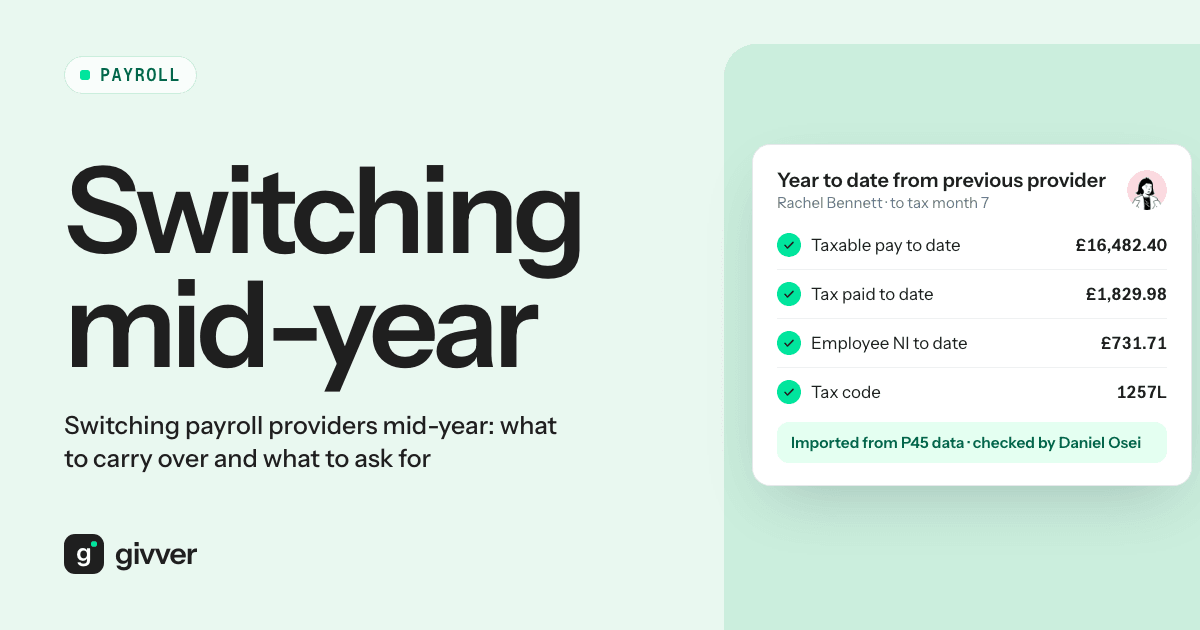
UK payroll is cumulative. Most tax codes work out tax on the total pay since 6 April, and every Full Payment Submission (FPS) reports year-to-date totals to HMRC. So your new system needs, for each employee, the figures to the end of the last period your old provider ran:
- Taxable pay to date and tax deducted to date in this employment
- National Insurance by category letter: earnings at each threshold band, and employee and employer contributions, for each letter the employee has had this year
- Student and postgraduate loan deductions to date, with plan types
- Statutory payments to date: SSP, SMP, SPP, SAP, ShPP, SPBP and SNCP where paid
- Pension contributions to date, employee and employer, and how they are deducted (net pay, relief at source or salary sacrifice)
- Previous employment pay and tax for anyone who joined this tax year with a P45
- Current tax code and whether it is on a cumulative or non-cumulative (week 1/month 1) basis
A worked example
Say you move to a new provider for tax month 7 (6 October to 5 November). An employee in England on £42,000 a year, tax code 1257L, paid £3,500 a month, has had six months of pay. Her record at the end of month 6 should show:
| Field | Figure |
|---|---|
| Taxable pay to date | £21,000.00 |
| Free pay to date (6 x £1,047.50) | £6,285.00 |
| Tax to date at 20% on £14,715 | £2,943.00 |
Load those totals and the new system works out month 7 on £24,500 to date, not on £3,500 as if she had just started. Get them wrong and her month 7 tax jumps or falls. (Figures use the 2026/27 personal allowance and basic rate band; Scottish taxpayers differ.)
For every employee, the old year-to-date totals plus the first new period’s pay should equal the year-to-date totals on the first new payslip.
What to ask your old payroll provider for
Send one written request, early, with a date. Ask for:
- A year-to-date report per employee covering all the fields above, as at the last period they will run
- FPS and EPS history for this tax year, with HMRC submission receipts
- Payslips for every employee since 6 April
- P32 employer payment records, so you know what has been paid to HMRC and what is owed
- Pension contribution history and the latest file sent to each pension scheme
- Starter and leaver records: starter declarations, P45s received and issued
- Every employee’s payroll ID as reported to HMRC
- Open HMRC notices: tax code notices, student loan start and stop notices, and any queries in progress
- Tax codes currently held for each person
Before you give notice, check your contract for the notice period and any charges for returning data. Both shape your cut-over date.
Changing payroll software mid-year: keeping RTI continuous
This is where mid-year switches go wrong. Your employees have not left. They have the same employer and the same PAYE reference, so you do not issue P45s and you do not treat anyone as a new starter.
What changes is the payroll software, and often the payroll ID. GOV.UK says that if your new software cannot keep the same payroll IDs, you must put “Yes” in the Payroll ID changed indicator for each employee on the first FPS, or your PAYE bill may be wrong and records duplicated. HMRC’s April 2026 Employer Bulletin adds that you should give the old and new payroll IDs, leave the start date blank for continuing employees, and never use a starter declaration in place of the indicator. Doing so creates a second employment for the same person.
If you cannot get the old payroll IDs from your outgoing provider, ask the HMRC employer helpline before your first live run, not after.
Agree a cut-over pay period
Pick one pay period that is the new provider’s first, and confirm it in writing with both sides. Everything before it, including corrections, belongs to the old provider. They run their last period in full, FPS and pension file included, and send the year-to-date report as at that period.
Run a parallel payroll
Before going live, run at least one period in both systems and compare every employee’s gross pay, tax, NI, student loan, pension and net pay. Differences of a few pence can be rounding. Anything bigger means a year-to-date figure, tax code or pay element has been set up differently. Find out why before the first live run. Only one side submits to HMRC for that period.
Set a cut-off calendar for the first runs
Late changes do the most damage in the first runs on a new provider: commission arriving the day before payday, overtime approved after the deadline, a starter’s details on the morning of the run. Publish a cut-off calendar:
| Item | Cut-off (example for a monthly payday on the 28th) |
|---|---|
| Starters and leavers | 15th |
| Overtime and timesheets approved | 18th |
| Commission and bonus figures | 18th |
| Draft payroll for review | 21st |
| Approval | 23rd |
| Bank file released | 25th |
Then agree an exception route: anything after the cut-off goes into next month unless a named person approves it. Software with approval levels makes the route easy to follow.
Mid-year switch checklist
| Step | Owner | Done |
|---|---|---|
| Check contract notice period and data-return terms | You | |
| Agree the cut-over pay period in writing | You, old and new provider | |
| Request YTD report, FPS/EPS history, payslips, P32s, pension history | You | |
| Collect payroll IDs, tax codes, open HMRC notices | Old provider | |
| Collect starter and leaver records, previous employment pay | Old provider | |
| Load and check YTD figures for every employee | New provider, you | |
| Set Payroll ID changed indicator if IDs change | New provider | |
| Parallel run and explain every difference | New provider, you | |
| Publish cut-off calendar and exception route | You | |
| First live FPS, pension file and bank file | New provider, you |
If you are planning a move, our page on switching payroll provider sets out how Givver handles it. Implementation takes two to three months at most from discovery to first live payroll. If you are still weighing up who to move to, read our guide to choosing a payroll provider for a small business.
FAQs
Can you switch payroll providers mid-year?
Yes. There is no rule that says you must wait for April. You need accurate year-to-date figures for each employee, and the first FPS from the new software must show the employments are continuing.
Do employees get a P45 when you change payroll software?
No. They have not left your employment, and your PAYE reference does not change. Issuing P45s and restarting people can create duplicate employment records with HMRC.
What should I ask my old payroll provider for?
A year-to-date report per employee, FPS and EPS history, payslips since April, P32s, pension contribution history, starter and leaver records, payroll IDs, tax codes and any open HMRC notices.
Make the switch on your terms
A badly timed switch is stressful, but most of the risk sits in a short list of data and one well-run first submission. Ask for the records early, agree the cut-over period, check every year-to-date figure and protect the first runs with a cut-off. Talk to sales about planning your move.