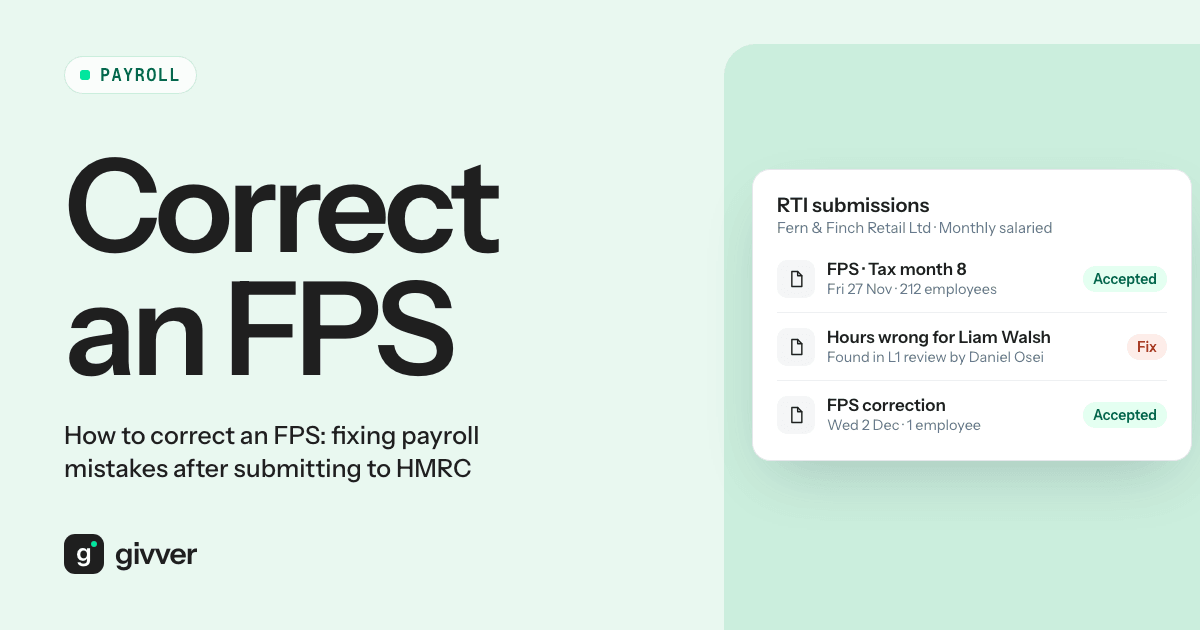
You have sent the Full Payment Submission (FPS), the money has gone out, and then you spot it. A leaver’s commission was never paid. Last month’s overtime went through twice. A start date is a month out. The payroll is locked, and HMRC already has the figures.
FPS correction is simpler than it feels. In the current tax year, you usually fix a mistake by sending the right year-to-date figures in your next FPS, or in an additional FPS before the next one is due. What you must not do is report some changes at all, because that creates duplicate records and a wrong PAYE bill. The fix depends on the type of error.
The rules below come from GOV.UK’s Fix problems with running payroll guide. Vendor guides and older HMRC manual pages do not always agree with it. Where they differ, follow GOV.UK.
FPS correction: the quick answer by error type
| Error | What to do | Deadline |
|---|---|---|
| Wrong pay or deductions, current tax year | Correct the year-to-date (YTD) figures in your next regular FPS, or send an additional FPS first | Next FPS |
| Employee underpaid | Pay the shortfall and send an additional FPS on or before that payment day | Payment day |
| Wrong payment date | Additional FPS with the correct date, late reporting reason H | 19th of the tax month after the original FPS |
| Wrong start or leaving date | Fix your payroll records only. Do not report it in the next FPS | Not applicable |
| Wrong personal details | Correct in your next FPS, one detail per FPS | Next FPS |
| EPS mistake | Send an EPS with the correct YTD figures for the year of the mistake | No set deadline: correct it promptly |
| Tax years 2020 to 2021 onwards | FPS with corrected YTD figures as at 5 April for that year | Up to 6 years after the original submission |
| Tax years 2019 to 2020 and earlier | Earlier Year Update (EYU) | Up to 6 years after the original submission |
Under the GOV.UK guidance, you are only charged a penalty for a mistake if you did not take reasonable care or did it deliberately. Fixing errors promptly is part of taking reasonable care. Under the GOV.UK guidance, you are only charged a penalty for a mistake if you did not take reasonable care or did it deliberately.
Wrong pay or deductions in the current tax year
For this HMRC FPS correction, GOV.UK’s page on correcting pay or deductions gives two options:
- Correct it in your next regular FPS by updating the employee’s year-to-date figures.
- Send an additional FPS before the next one is due. Show the difference in the “this pay period” fields, the corrected YTD figures, the original payment date and pay frequency, and “H - Correction to earlier submission” as the late reporting reason.
Worked example. September’s FPS reported an employee’s gross pay as £2,400, but £2,200 was paid because a bonus was removed from the bank file and not from payroll. Gross pay YTD was reported as £13,400 when it should have been £13,200. In October’s FPS, report October’s pay as normal and set gross pay YTD to £13,200 plus October’s pay. Correct the tax and NI YTD figures in the same way.
If you underpaid an employee, pay the shortfall. On or before that payment day, send an additional FPS with the difference, the updated YTD figures and reason H.
National Insurance and student loan under-deductions have a recovery cap: you cannot recover more than the employee’s normal deduction in a month. GOV.UK’s example: £100 of NI under-deducted in January and an £80 deduction in February means you recover £80 in February and £20 later. NI can only be recovered in the tax year of the mistake and the year after.
The leaver whose commission was forgotten
There are two different situations.
- The leaver’s earlier figures were wrong. Include them in your next FPS with corrected YTD figures, their original “Date of leaving”, and a payment date the same as or later than their final FPS.
- You owe them money you never paid, such as a forgotten commission. That is a new payment after leaving, not a correction. Under GOV.UK’s rules on payments after leaving, once the P45 is issued you use tax code 0T on a week 1 or month 1 basis, deduct NI and student loans as normal, and report it in your next FPS with the original leaving date and payroll ID and the “Payment after leaving” indicator set. Do not issue a second P45. Give the employee written confirmation of the gross amount and deductions.
When correcting an earlier FPS that had the payment after leaving box ticked, do not enter the same amounts in the “pay in period” and YTD fields. GOV.UK warns this creates a duplicate record.
Wrong payment date on the FPS
The FPS must show the date you paid your employees, not the date you sent the report. If it was wrong:
- Send an additional FPS with the correct payment date.
- Enter “H - correction to earlier submission” as the late reporting reason.
- Put 0.00 in the “pay in period” field.
- Send it by the 19th of the tax month after you sent the original FPS.
Wrong start date or leaving date
Correct the date in your payroll records, then stop. GOV.UK says not to report the change in your next FPS, because this may create a duplicate employment record.
Wrong personal details
Correct name, date of birth, gender or similar errors in your next FPS, but never more than one personal detail in the same FPS. If two are wrong, correct one now and the other next time. Changes such as a new address or surname are for the employee to tell HMRC about.
Pay was calculated wrongly but has already been paid
This is the “we find mistakes every month” case: the bank file went out with the wrong net pay.
For an unintentional overpayment to someone who still works for you, HMRC’s employer further guide to PAYE and NI (CWG2) says to correct it in your next FPS by reporting the correct total pay and tax to date. You must have arrangements to recover the net overpayment, for example the employee repays you or you agree deductions, and keep a record of how you recovered it. Some vendors suggest leaving gross pay as paid and recovering a net deduction instead. That produces different figures from the CWG2 method, so check with HMRC or your adviser before using it. Tell the employee before you recover anything and agree how it will be repaid.
For an underpayment, pay the shortfall in your next run or by an extra payment, as above.
Mistakes on the EPS
The Employer Payment Summary (EPS) carries claims such as statutory pay recovery and Employment Allowance.
- Current tax year: send an EPS with the correct year-to-date figures.
- Previous tax year: send an EPS with the correct year-to-date figures for the year of the mistake.
FPS correction for a previous tax year
Final FPS of the year just ended. GOV.UK’s final payroll report guidance says that if you find a wrong payment or deduction by 19 April, send an additional FPS with corrected YTD figures and 0 in “pay in this period”. After 19 April, send an FPS showing the correct YTD amounts.
Tax years 2020 to 2021 to 2025 to 2026. Send another FPS with corrected YTD figures as at 5 April for that year.
Tax years 2019 to 2020 and earlier. HMRC’s National Insurance manual (NIM37014) says to use an Earlier Year Update (EYU).
Time limit. The same manual says a further FPS or an EYU can correct information for up to 6 years after the original FPS or EPS was filed.
Where sources conflict: some vendor guides and older HMRC manual pages still say you cannot send an FPS for a closed year after 19 April and must use an EYU. For 2020 to 2021 onwards that is out of date. GOV.UK now says to use an FPS.
If you over-deducted NI in 2020 to 2026 and still owe the employee a refund, for example because they have left, GOV.UK says to write to HMRC with the reference “Overpaid NI contributions”. If you under-deducted a student loan in a previous year, you need do nothing: the employee deals with the Student Loans Company.
Your PAYE bill is still wrong
If you paid HMRC too little or too much because of an FPS or EPS error, correct the report and HMRC adjusts your next bill. If you simply paid the wrong amount, pay the balance as soon as possible, or pay less next time.
If the bill still looks wrong, check that your reports went on time, the payment dates are right, and starters and leavers were reported correctly. GOV.UK says if it is still wrong by the 12th of the next tax month, ask HMRC for help.
FAQs
What is the FPS correction reason?
Use late reporting reason “H - Correction to earlier submission” when you send an additional FPS to correct pay, deductions or a payment date.
Can I edit an FPS after I have sent it?
No. You correct the figures in a later FPS, either your next regular one or an additional one.
How do I correct a payroll mistake after submitting to HMRC if the employee has left?
Include them in your next FPS with corrected year-to-date figures and their original leaving date. If you owe them a new payment after the P45, follow the payment after leaving rules instead.
Fix the cause, not just the FPS
FPS corrections are routine. The real cost is a team that spends every month fixing last month, usually because late changes reach payroll after the cut-off and no one checks the draft. Our payroll checklist with a free Excel template covers the pre-submission checks. Givver is HMRC-recognised payroll software with payroll checks before you submit and approval levels, so a second person signs off before anything goes to HMRC. Read more about payroll accuracy in Givver, or see how Givver handles payroll checks and approvals.