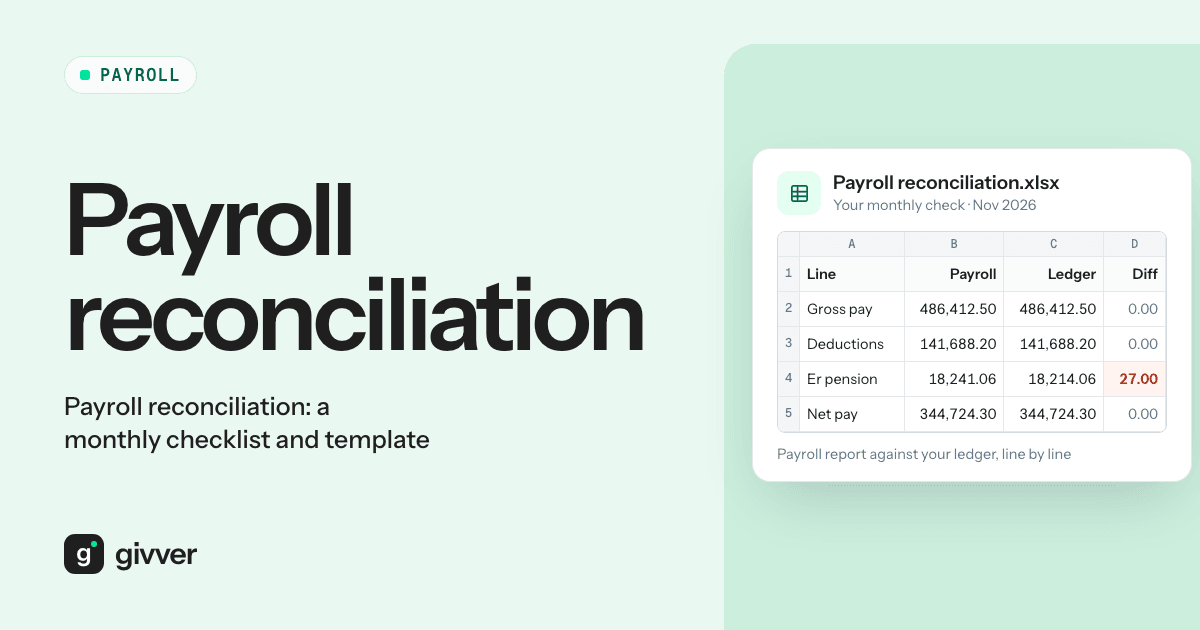
Payroll is paid, payslips are out, and then the real work starts: a Saturday matching the HMRC figure, the P32, the pension provider’s schedule and the accounts, then typing a journal into Xero. And the numbers rarely balance first time.
Payroll reconciliation is the monthly check that the figures in your payroll agree with what you paid out and what your accounts say. You compare each payroll total with an independent source (the bank statement, HMRC’s figure, the pension provider’s schedule, your general ledger) and explain every difference. Done the same way every month, it takes an hour or two, not a weekend. This guide gives you the checks, the steps, the usual causes of differences, and a template to copy into Excel.
What payroll reconciliation is
A payroll run produces a set of totals: gross pay, tax, National Insurance (NI), pension, student loans and net pay. Each of those totals ends up somewhere else:
- Net pay goes to employees’ bank accounts.
- Tax, NI and student loans go to HMRC.
- Pension contributions go to the pension provider.
- Everything goes into your accounts as expenses and liabilities.
Reconciliation checks that each of those destinations shows the same number as payroll. Where it does not, you find the reason and write it down.
The monthly payroll reconciliation checks
| Check | Compare | With |
|---|---|---|
| Gross to net | Payroll summary (gross, deductions, net) | The payroll journal in your accounts |
| HMRC liability | P32 employer payment record | HMRC online account and your payment |
| Pension | Payroll pension report | The pension provider’s contribution schedule |
| Net pay | Payroll net pay total | Bank payments to employees |
| Employer costs | Employer NI and employer pension in payroll | Expense lines in your profit and loss |
| Control accounts | PAYE/NI, pension, net wages and student loan control accounts | Zero (or a known timing balance) after payments |
Control accounts are balance sheet accounts that hold what you owe until you pay it. When payroll is posted, the liability goes in. When you pay HMRC, the pension provider or staff, it comes out. If a control account does not return to zero, something was posted or paid wrongly.
The payroll reconciliation process, step by step
- Lock the payroll. Reconcile the final, submitted run. Note any changes made after the cut-off.
- Check gross to net. Gross pay less all deductions should equal net pay in the payroll summary. Then check the same totals in the journal posted to your accounts.
- Check headcount. Compare the number of people paid with last month. Account for every starter and leaver.
- Reconcile net pay to the bank. Compare payroll net pay with the bank file and then with the bank statement. Failed or returned payments show up here.
- Reconcile HMRC. Compare the P32 with the amount due in HMRC’s online account. Remember the P32 is after any statutory pay recovery and Employment Allowance claimed on the Employer Payment Summary (EPS). Payment is due by the 22nd of the next tax month if you pay monthly, or the 19th if you pay by cheque (GOV.UK).
- Reconcile pensions. Compare employee and employer contributions with the provider’s schedule. The Pensions Regulator says deductions from pay must reach the scheme by the 22nd of the following month if paid electronically, or the 19th otherwise (TPR).
- Check control accounts. After all payments, each control account should be zero or hold only a known timing difference.
- Explain and sign off. Record each difference, its cause and who checked it.
Worked example
A company runs a monthly payroll. These are the figures for October:
| Item | Amount |
|---|---|
| Contractual gross pay | £60,000 |
| Salary sacrifice (pension) | £1,500 |
| Gross pay for tax and NI | £58,500 |
| PAYE tax | £8,200 |
| Employee NI | £2,900 |
| Student loan | £300 |
| Employee pension (not via salary sacrifice) | £1,200 |
| Net pay | £45,900 |
| Employer NI | £7,600 |
| Employer pension (£1,800 plus £1,500 sacrificed) | £3,300 |
| Statutory Maternity Pay (SMP) paid, included in gross | £1,000 |
HMRC. Tax, employee NI, employer NI and student loan total £19,000. The employer can usually reclaim 92% of SMP (GOV.UK), so £920 is claimed on the EPS. The P32 shows £18,080 due. The PAYE/NI control account has £19,000 posted from payroll and £18,080 paid. The £920 difference is the SMP recovery, which needs its own journal.
Pension. Payroll shows £4,500 (£1,200 employee plus £3,300 employer). The provider’s schedule shows £4,620. The £120 difference needs investigating, for example a new starter enrolled from the wrong date.
Net pay. The bank file was £45,900, but the bank statement shows £45,650 left the account. One £250 payment was returned because an employee had changed banks. It is a timing difference until it is paid again.
Common reasons payroll doesn’t reconcile
- Salary sacrifice. Contractual salary and gross pay for tax differ by the sacrificed amount, and the employer pension cost rises by the same amount. If your accounts record contractual salary, the journal will not match payroll’s gross pay.
- Manual pay items not in reports. One-off payments or deductions added by hand may not appear in the standard report you reconcile against.
- Rounding. NI and pension calculations per employee can leave a difference of a few pence against a total calculated on the whole payroll.
- Late changes after the cut-off. A change made after the bank file or journal was produced puts the two out of step.
- Statutory pay recovery and Employment Allowance. These are claimed on the EPS and reduce what you pay HMRC, so the P32 is lower than the liability in payroll. Employment Allowance is up to £10,500 a year in 2026/27 (GOV.UK) and reduces employer NI until it is used up.
- Timing of payments. HMRC and pension payments are made the month after payroll, so the control accounts hold a balance at month end. That is expected, as long as it clears the following month.
- Leavers paid after leaving. Payments after a P45 can be missed from headcount checks or posted to the wrong period.
Payroll reconciliation to the general ledger
The payroll journal usually debits wages, employer NI and employer pension to expense accounts, and credits the PAYE/NI, pension, student loan and net wages control accounts. Payments to HMRC, the pension provider and staff then debit those control accounts.
To reconcile payroll to the general ledger, check that each expense line matches the payroll total and that each control account clears to zero after its payment, apart from known timing differences.
How to reconcile payroll in Xero
In Xero, the same principle applies. Post the payroll journal, match each bank payment to the right control account in bank reconciliation, and run a report on each control account at month end. Anything left over is your list of differences to explain.
On Payroll Pro, Givver syncs with Xero. See our integrations page for details.
Payroll reconciliation template
Copy this table into Excel or Google Sheets. One row per check, every month. Add a formula for Difference (Figure A minus Figure B). The first rows show the worked example above.
| Check | Source A | Figure A | Source B | Figure B | Difference | Explained by | Sign-off |
|---|---|---|---|---|---|---|---|
| Gross to net | Payroll summary net pay | £45,900 | Payroll journal net wages | £45,900 | £0 | ||
| Net pay to bank | Payroll net pay | £45,900 | Bank statement | £45,650 | £250 | Returned payment, repaid in November | |
| HMRC | PAYE/NI control (posted) | £19,000 | P32 amount due | £18,080 | £920 | SMP recovery claimed on EPS | |
| HMRC payment | P32 amount due | £18,080 | Bank payment to HMRC | £18,080 | £0 | ||
| Pension | Payroll pension report | £4,500 | Provider schedule | £4,620 | -£120 | To investigate | |
| Student loan | Payroll student loan total | £300 | Student loan control | £300 | £0 | ||
| Employer NI | Payroll employer NI | £7,600 | P&L employer NI | £7,600 | £0 | ||
| Employer pension | Payroll employer pension | £3,300 | P&L pension cost | £3,300 | £0 | ||
| Headcount | Payroll this month | Payroll last month plus starters minus leavers |
Keep each month’s sheet with the payroll reports it used. For the wider monthly routine, see our payroll checklist with a free Excel template.
FAQs
How often should I reconcile payroll?
Every pay run. Monthly reconciliation keeps differences small and easy to trace. Leaving it to year end makes every difference harder to explain.
What is a P32?
The P32 is the employer payment record. It shows what you owe HMRC for each tax month after statutory pay recovery and Employment Allowance.
Why doesn’t my payroll reconcile with my pension provider?
The usual causes are starters and leavers with different dates in each system, salary sacrifice, opt-outs and refunds, and rounding.
Who should sign off a payroll reconciliation?
Ideally someone other than the person who ran the payroll. A second check catches errors the preparer is too close to see.
Spend the Saturday on something else
Reconciliation gets faster when the payroll data is right first time and the same checks run every month. Givver includes payroll checks, pension management and Xero sync on Payroll Pro. Talk to sales to see how it fits your month end.